A gift is paper and ribbon. That sentence, agreed at the start of September, is the entire design of the current Gift Buddy. The app used to be built from the usual parts: gradients, floating cards and a crowded palette. It looked like every other app. This is the story of replacing that with three materials and the rules we set for using them.
Three materials and nothing else
The design is built from exactly three things.
Paper is the ground. It is a warm, slightly uneven off-white in light mode and a deep brown-black in dark mode, not a pure white and not a pure black. Every card is a sheet of that paper, cut from the same stock as the background rather than floating above it.
Ink is type and icons. One dense dark tone in light mode, one warm light tone in dark mode, with two quieter shades for secondary text. Titles are set in Literata, a serif drawn for reading on screens; everything else is a plain sans. Ink is never coloured.
Ribbon is the only carrier of colour. It appears as a narrow band at the top of a card, an underline beneath a heading, a wrapper around a status, a ring around an avatar. The brand ribbon is violet. There are four more, moss, clay, madder and slate, each with a job: moss for things that went well, clay for things in progress, madder for warnings and removals, slate for the quiet in-between.
Everything the app draws is one of the three; only your photos are not. When a new component does not fit the list, that is the signal to redesign the component, not to add a fourth material.
The five percent colour rule
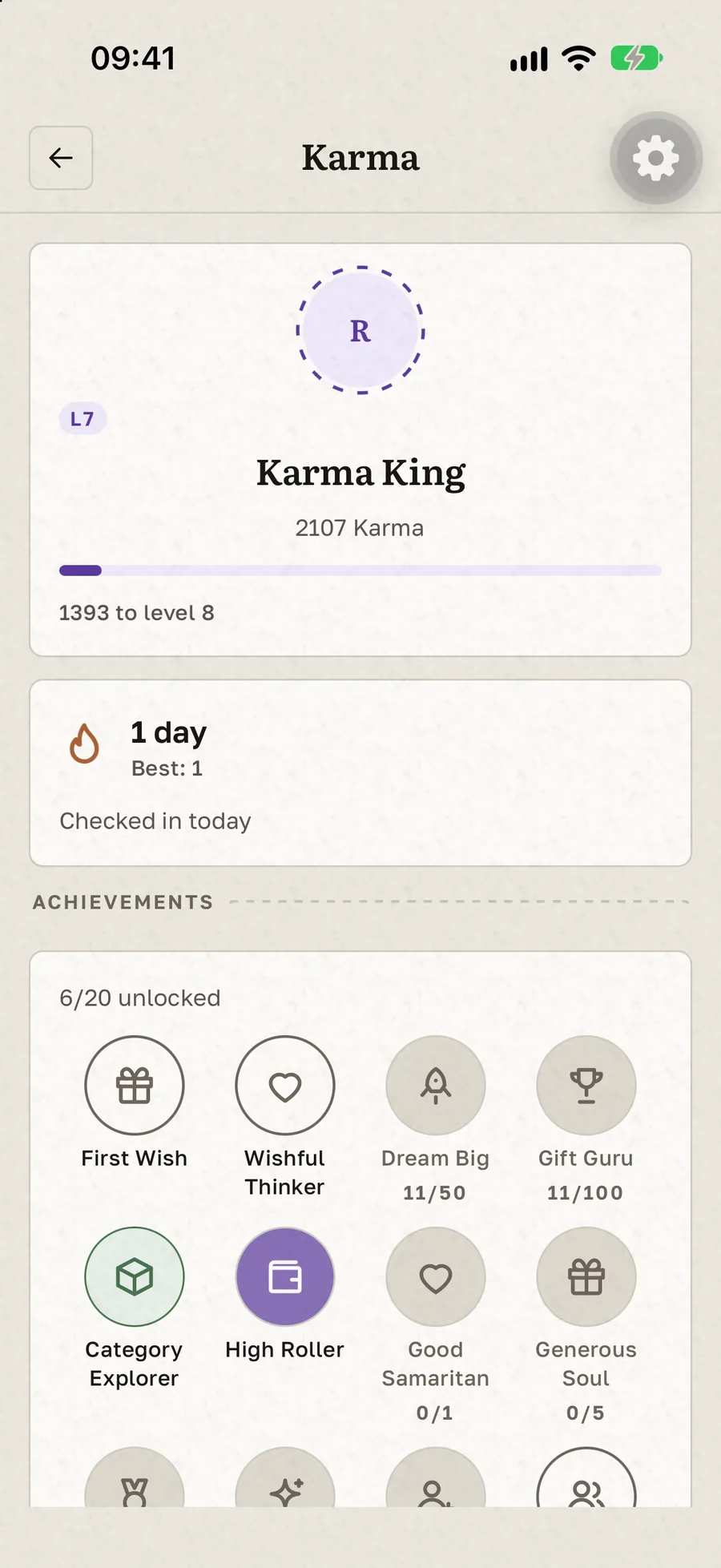
The rule that shaped the most decisions is simple to state: saturated colour covers at most five percent of any screen.
Most apps fail this on the first screen. A coloured header, three coloured buttons, tinted cards, and the paper has nothing left to say. Keeping colour to a narrow ribbon does two things. It makes the few coloured elements mean something, because a violet band is now the exception on the page, and it lets the paper do the work of separating one thing from another.
That ratio is what separates a magazine page or a well-set letter from a template. We wanted the app to feel like the first.
Paper is cut, not rounded
Real paper has corners. The previous design had twenty-two different corner radii, which is what happens when every component picks its own. The new one has four: a small cut for insets, a slightly larger one for sheets, a pill for chips, and one genuinely round corner for a sheet that lifts from the bottom of the screen.
Depth works the same way. Cards do not cast shadows; a hairline edge separates a card from the paper underneath, and when something needs to stand out, a second sheet sits a few points behind the first, offset like a pile of paper on a desk. It reads as physical without the rendered glow of a drop shadow. Only two things cast a shadow at all: a control lifting under your finger, and the sheet that rises from the bottom of the screen.
Grain, and where it is not allowed
If you look closely at the background, it has grain. It is a single small texture image laid over the paper at around seven percent opacity in light mode and nine in dark, enough that the surface reads as paper rather than as a flat colour, and not enough that you notice it as a pattern.
The rule we argued about most is where the grain is not. It never appears on a button, an input, a switch or a chip. Controls are flat and clean, because grain on something you tap makes it read as a decoration rather than a control. Paper has texture; the things printed on it do not.
Dark mode is dark paper
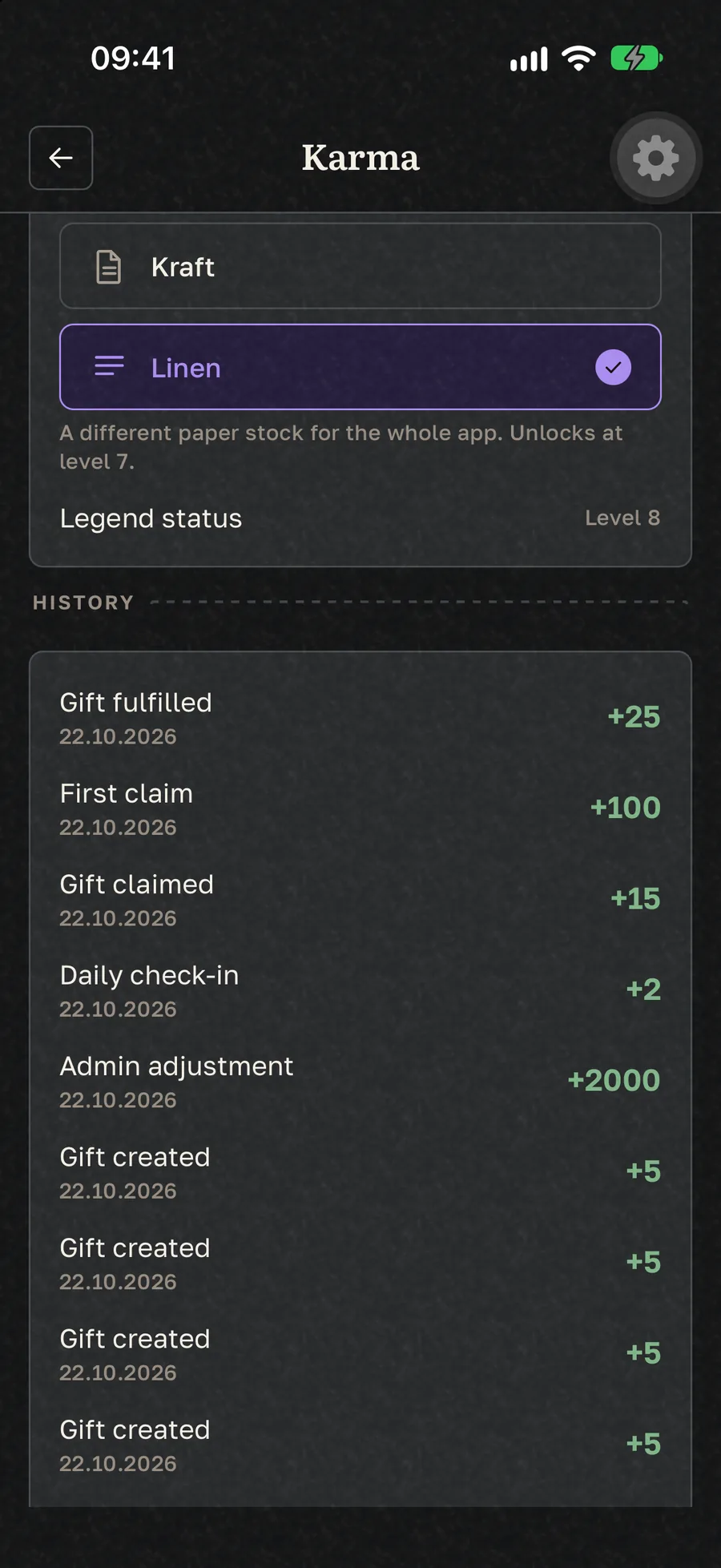
Dark mode was not a colour inversion. A black screen with white text is a terminal, not paper. The dark theme uses a brown-black ground with sheets that are a step lighter, warm light ink, and ribbons lightened so the same role keeps its contrast. The grain is slightly stronger, because dark paper needs a little more texture to read as paper at all.
The result is that switching themes feels like moving from a desk by the window to the same desk at night, rather than switching to a different app.
Kraft and linen
Once paper is the design, a second kind of paper is the obvious reward. Two alternative stocks unlock at Karma level 7, as described in Gift Karma: points, levels and streaks. Kraft is the warm brown of a parcel. Linen is a cool, faintly grey stock with a finer grain.
Each stock changes only the paper: the ground, the sheets, the edges and the grain opacity. Ink and ribbons stay exactly the same, so a status mark or a level badge looks identical on all three papers, and body text keeps a contrast of at least 11:1 against the paper in light mode and 14:1 in dark on every stock.
The ribbon that ties
The one place the materials become motion is saving a gift. You hold the button and a ribbon ties around it; let go early and nothing is saved. We added it to stop half-finished wishes landing in lists by accident, and kept it because it turned a form submission into the act of sealing something.
Everything else moves little. Level-up sheets slide, the streak flame flickers, legendary seals catch the light slowly. All of it stops when the device asks for reduced motion, and the app reads the same without any of it.
What did not change
Underneath the paper, the app works the way it did. Statuses are still New, In Progress and Done, now drawn as ribbon wrappers instead of coloured pills. Categories still have their icons. The feed, the lists, claiming and group gifts are untouched, and the guide to every screen describes them without once mentioning what colour anything is. A redesign that changes how a thing works is a different product; this one only changed what the product is made of.
See it on your own list
The quickest way to judge a material is to hold it. Add one gift, watch the ribbon tie, and switch between light and dark once. If you like the paper, the kraft and linen stocks are waiting at level 7, and the roadmap lists what else is coming to the surface of the app.
Gift Buddy is free to start on iPhone. The Android version is in testing.